How to Choose the Right AI Agent Use Case Before You Build
A practical framework for deciding whether a workflow needs an agent, a simpler automation, or no software change yet.

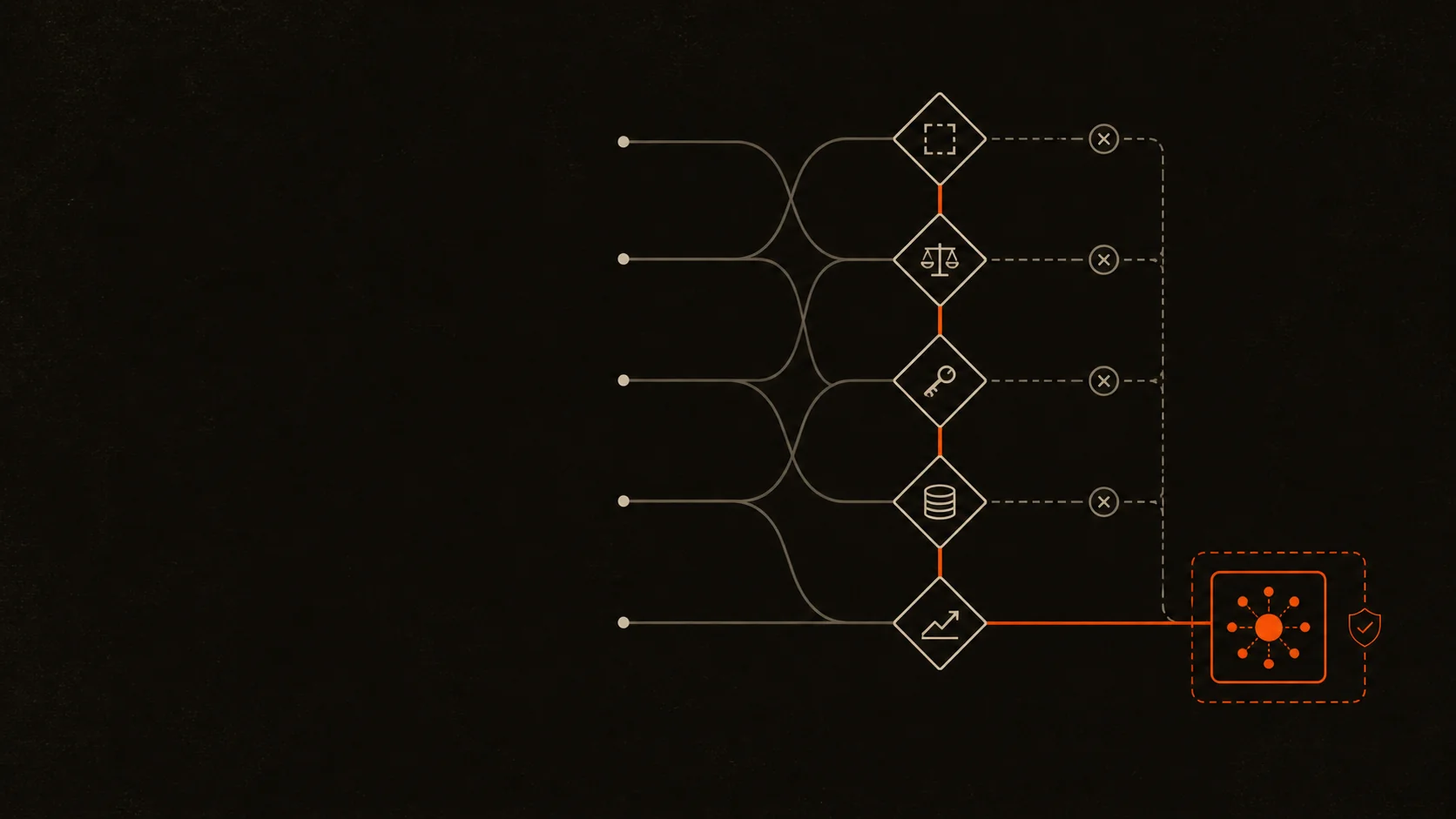
The most expensive AI agent mistake usually happens before anyone writes code. A team starts with the technology, finds an impressive demo, and then tries to force a business process into it.
I start from the opposite direction. I look for a bounded workflow with a clear owner, useful data, repeated decisions, and an outcome that can be checked. Only then do I ask whether an agent is the smallest system that can handle it.
If you are working out how to choose an AI agent use case, assess six things before you build: the workflow boundary, the need for judgment, the actions and tools involved, the available data, the cost of failure, and the definition of success. A good agent use case needs flexibility that fixed rules cannot provide, but it must still operate inside explicit controls.
How to choose an AI agent use case: the short answer
A strong use case usually has these characteristics:
- People already perform the workflow and can explain its goal.
- The work contains ambiguity, exceptions, or unstructured information.
- The system needs to choose between steps or tools as the situation changes.
- Inputs, policies, and example outcomes are available.
- The workflow happens often enough to justify the build and ongoing maintenance.
- High-impact actions can be constrained, approved, reversed, or handed to a person.
- Success can be measured on real tasks, not by whether a demo looks intelligent.
If most of those statements are false, I would not start with an agent. A form, rules engine, search feature, scheduled automation, or better process may solve the problem with less cost and less operational risk.
OpenAI's practical guide to building agents makes a similar distinction. It recommends agents where workflows involve complex decisions, difficult-to-maintain rules, or heavy use of unstructured data. It also says a deterministic solution may be enough when those conditions are absent [1].
That distinction matters. An agent is not a more fashionable name for every automation.

Start with the workflow, not the model
“We need an AI agent” is not yet a use case. It is a technology preference.
A usable starting point sounds more like this:
When a new website enquiry arrives, identify the person's intent, answer from approved business information, collect the details needed for a booking, check availability, and ask for human help when the request falls outside policy.
That statement gives me something I can design. It has a trigger, an outcome, boundaries, required information, tools, and an escalation condition.
Before discussing a model or framework, write the workflow in one sentence:
When [trigger] happens, the system should [outcome] using [approved information and tools], except when [handoff or stop condition].
If the team cannot complete that sentence consistently, the process is probably not ready to automate. An agent will not repair unclear ownership, conflicting policies, or missing data. It will make those problems move faster.
Six tests I use before recommending an agent
1. Is the outcome specific and owned?
Choose one outcome that a person is responsible for today. “Improve customer service” is too broad. “Prepare a complete draft response for a support ticket and route uncertain cases to the service manager” is testable.
I want to know:
- What starts the workflow?
- What does done look like?
- Who owns the result?
- Where must the agent stop?
- What should happen when information is missing?
A clear boundary prevents the first version from becoming a vague assistant with too many tools and no reliable definition of completion.
2. Does the work require judgment?
Agents earn their complexity when the next step cannot always be chosen with a stable if/then rule.
Good signals include:
- interpreting free-text enquiries, emails, documents, or conversations;
- applying policy to cases with exceptions;
- deciding which source or tool is relevant;
- planning several dependent steps;
- asking a useful follow-up question when context is incomplete.
If the task is “copy a value from this field into that system every Friday,” use conventional automation. If it is “read an enquiry, work out what the person needs, collect missing details, and choose the right workflow,” an agent may be justified.
3. Does it need to act, or only assist?
Separate knowledge work from action.
An assistant may retrieve information, summarise a document, classify a request, or draft a response. An agent controls part of the workflow and may call tools to check a calendar, update a record, create a task, or send a message.
This gives me a useful progression:
- Read-only: retrieve, classify, or summarise.
- Draft: prepare an action for a person to approve.
- Low-risk action: perform reversible actions within a narrow scope.
- High-impact action: require explicit approval, deterministic validation, or a human handoff.
The best first version is often read-only or draft mode. It lets the team test reasoning quality before granting live permissions.
4. Are the knowledge and tools ready?
An agent cannot reliably apply a policy that exists only in one employee's memory. It also cannot complete a workflow if the required systems are inaccessible or inconsistent.
Check whether you have:
- approved source documents and policies;
- representative examples of normal and difficult cases;
- APIs or controlled interfaces for necessary actions;
- clear user identities and permission scopes;
- structured records for facts that must be exact;
- a person who can resolve conflicts in the source material.
This is where many promising ideas fail their first review. The missing work is not prompt engineering. It is cleaning knowledge, defining policy, or exposing a safe tool.
5. Is the value large enough to maintain the system?
Do not count only build time. An agent also needs evaluations, monitoring, model and prompt changes, integration maintenance, security review, and someone to own exceptions.
Estimate the current workflow using real operating data:
- cases per week;
- minutes per case;
- percentage of cases that follow a repeatable pattern;
- waiting time or missed-opportunity cost;
- error and rework rate;
- cost of review after automation;
- ongoing infrastructure and maintenance cost.
A frequent, slow workflow with consistent inputs may be a strong candidate. A rare task that saves five minutes but requires access to sensitive systems probably is not.
6. Can failure be contained and measured?
Every agent will eventually encounter an input it did not handle during development. The question is not whether failure is possible. The question is what the system can do when it is wrong.
OWASP's Excessive Agency guidance describes the risk created by unnecessary functionality, excessive permissions, or too much autonomy. Its guidance is practical: minimise available tools and permissions, enforce authorisation outside the model, and require approval for high-impact actions [2].
For each proposed action, record:
- the worst plausible mistake;
- whether the action is reversible;
- the data or people affected;
- the permission required;
- the approval rule;
- the retry limit;
- the handoff owner;
- the log needed to investigate it.
NIST's Generative AI Profile treats risk management as work across design, development, use, and evaluation, not a final checklist added at launch [3]. I use the same principle at the use-case stage. If the team cannot describe the risk owner and control path, the use case is not ready.

Score the use case before you prototype
I use a simple scorecard to compare ideas. It is a decision aid, not a scientific model. Score each factor from 0 to 2.
- Workflow clarity: 0 if the goal and owner are unclear, 1 if the goal is clear but exceptions are not, and 2 if the goal, owner, boundary, and handoff are clear.
- Need for judgment: 0 if stable rules solve it, 1 if some interpretation is needed, and 2 if context and exceptions drive the next step.
- Tool use: 0 if no external action is needed, 1 if one controlled tool is needed, and 2 if several tools or dependent actions are required.
- Data readiness: 0 if sources conflict or are missing, 1 if useful data needs cleanup, and 2 if approved sources and examples are available.
- Business value: 0 for a rare or low-cost task, 1 for moderate volume or delay, and 2 for frequent, slow, costly, or time-sensitive work.
- Failure control: 0 if failure is high-impact and hard to contain, 1 if review can contain most errors, and 2 if actions are bounded, reversible, or approved.
- Evaluation readiness: 0 if success is subjective, 1 if some checks are available, and 2 if representative tasks and pass criteria exist.
Use the total as a conversation starter:
- 0–5: Fix the process or use a simple tool.
- 6–9: Test an AI-assisted feature, usually read-only or draft-first.
- 10–12: A bounded single-agent prototype may be justified.
- 13–14: Strong candidate, but still start with the smallest controlled workflow.
A high score does not automatically justify a multi-agent design. It only says the business problem may justify agent behaviour.
Choose the smallest sufficient system
Once the use case passes the screen, choose the least complex architecture that can handle it.
Rules or workflow automation
Choose this when steps and conditions are stable. A typical example is moving a submitted form into a CRM and notifying the owner.
AI-assisted feature
Choose this when language understanding helps, but a person owns execution. Summarising a support ticket and drafting a reply is a good example.
Single bounded agent
Choose this when the system must choose tools or steps within one clear goal, such as answering approved questions, collecting booking details, and checking availability.
Multi-agent workflow
Choose this when the work contains distinct specialist roles, separate context, or independently testable stages, such as researching, analysing, planning, drafting, validating, and assembling a structured output.
This is visible across my own product work. GetParlix fits a bounded agent pattern because the conversational workflow can answer from business information, collect booking details, check availability, and hand off when needed. Seowyn has a different shape: one website input leads through a multi-agent pipeline to specialised SEO deliverables and a prioritised plan. HeatMapIQ is the useful counterexample. Its rule-based engine can produce a complete report, while AI enrichment is optional. The product does not need to make AI the only path to value.
That last pattern is worth remembering. Sometimes the right AI agent use case is actually an ordinary software product with one carefully chosen AI layer.
Define the evaluation before the build
Do not wait for a prototype to decide what good means.
Create a small set of representative tasks from the real workflow, including normal cases, incomplete inputs, policy exceptions, tool failures, and requests that should be refused or handed off. Remove personal or confidential data unless it is explicitly approved for testing.
For each task, define checks such as:
- Was the final outcome correct?
- Did the agent use the right source and tool?
- Were tool parameters valid?
- Did it avoid prohibited actions?
- Did it ask for missing information?
- Did it stop or escalate at the right point?
- How much human correction was required?
- What were the latency and run cost?
Anthropic's evaluation guidance separates deterministic checks, model-based graders, and human review. It also distinguishes capability evaluations from regression evaluations that protect behaviour the system already handles [4]. The practical lesson is that no single score is enough. Test outcomes, tool use, policy compliance, and human judgment together.
If a team cannot assemble representative tasks or agree on a pass condition, I treat that as a warning. They may still have an interesting demo idea, but not a deployable use case.
Use a staged validation plan
Before funding a full product, I would validate the use case in five stages:
- 01Map the current workflow. Record triggers, inputs, decisions, actions, exceptions, owners, and systems.
- 02Collect representative cases. Include easy cases, edge cases, missing data, tool failures, and handoff situations.
- 03Build a narrow prototype. Use read-only access or draft mode. Give it one goal and the minimum tools.
- 04Run the evaluation set. Measure task completion, correction rate, policy violations, latency, cost, and escalation quality.
- 05Decide with evidence. Expand, redesign, reduce the scope, switch to deterministic automation, or stop.
Stopping is a valid outcome. A short prototype that proves an agent is unnecessary can save more money than a successful demo.
Common use cases I would reject or reshape
I would pause an agent build when:
- the underlying process changes every week;
- nobody owns the outcome or exceptions;
- the task is infrequent and low-value;
- the required knowledge is outdated or contradictory;
- success cannot be distinguished from a confident-sounding answer;
- the first version needs broad write, send, delete, publish, or payment permissions;
- a mistake would create legal, safety, financial, or customer harm without meaningful review;
- the team wants multiple agents before proving one bounded workflow.
These are not permanent rejections. Most can be reshaped. Narrow the goal, improve the source data, start in draft mode, keep a person at the approval point, or automate only the deterministic part.
Frequently asked questions
What makes a good AI agent use case?
A good AI agent use case is a bounded, repeated workflow that needs contextual judgment, uses available data and tools, creates enough value to maintain, and has measurable outcomes plus clear failure controls.
When should I use automation instead of an AI agent?
Use conventional automation when the workflow follows stable rules, inputs are structured, and each step can be defined in advance. It will usually be cheaper, faster, and easier to test.
Should I start with one agent or multiple agents?
Start with one bounded agent. Add specialised agents only when separate roles, context, permissions, or evaluations make the workflow easier to control and test.
How do I measure whether an AI agent is successful?
Measure task completion, factual and policy accuracy, correct tool use, escalation quality, human correction, latency, cost, and failures on representative real-world tasks. Track regression tests as the system changes.
The decision comes before the architecture
The right place to begin is not a model comparison or an orchestration diagram. It is a workflow that is clear enough to evaluate and valuable enough to maintain.
Choose a real process. Bound the outcome. Identify where judgment is necessary. Restrict the tools. Put a person at high-impact decisions. Define the tests before granting autonomy.
That is how I decide whether an agent is worth building. It also makes the architecture much easier to choose.
If you have a repetitive workflow in mind, send me the process. I will tell you honestly whether it needs an agent, a simpler automation, or a process fix first.
References
- 01OpenAI, A practical guide to building agents, accessed August 17, 2026.
- 02OWASP GenAI Security Project, LLM06:2025 Excessive Agency, accessed August 17, 2026.
- 03NIST, Artificial Intelligence Risk Management Framework: Generative Artificial Intelligence Profile, accessed August 17, 2026.
- 04Anthropic, Demystifying evals for AI agents, accessed August 17, 2026.
Full-Stack Developer & AI Engineer
Full-stack developer and AI engineer from Kolkata, India. I build AI agents, automations, and full-stack products that hand growing teams back the hours they lose to busywork. Here I write about what worked, what broke, and what I would do differently.
Connect on LinkedIn